Description The ESP32-CAM WiFi Bluetooth Camera Module is a compact all-in-one development board that combines a powerful ESP32 dual-core processor with a built-in OV2640 camera, making it one of the most versatile and affordable camera modules available in Bangladesh. Whether you are building a live video streaming server, a face detection system, or a smart home surveillance camera — this single board does it all. With built-in WiFi and Bluetooth, an onboard microSD card slot, and support for Arduino IDE and ESP-IDF — the ESP32-CAM is the go-to choice for makers, students, and engineers in Bangladesh looking to add vision capabilities to their IoT and robotics projects without breaking the budget.⭐ Key Features��OV2640 2MP Camera2 Megapixel camera with adjustable lens — supports JPEG and bitmap output��WiFi Bluetooth 4.22.4GHz WiFi for live streaming and Bluetooth for wireless control��MicroSD Card SlotStore images and video directly on microSD — up to 4GB supported��ESP32 Dual-Core @ 240MHzPowerful enough to handle camera streaming and sensor data simultaneously��Face Detection SupportBuilt-in face detection and recognition with ESP32 AI demo firmware��Onboard Flash LEDBuilt-in white LED for low-light image capture and illumination�� What Can You Build With the ESP32-CAM?��Live Video StreamingStream live camera feed over WiFi to any browser��Home Security CameraDIY smart surveillance system with motion alerts��Face DetectionAI face detection and recognition projects��Vision-Guided RobotsCamera-based navigation for robotics applications��Time-Lapse CameraCapture and store photos to microSD on schedule�� Who Should Buy This?�� BeginnersFirst camera project? The ESP32-CAM CameraWebServer example in Arduino IDE gets you streaming in under 10 minutes�� StudentsUniversity projects on IoT surveillance, AI vision, image processing or smart security systems⚙️ EngineersPrototyping embedded camera systems, remote monitoring devices or industrial vision applications��️ HobbyistsDIY makers building home cameras, bird feeders, door monitors or FPV camera systems⚔️ ESP32-CAM vs Raspberry Pi Camera vs ESP32-S3 CAM — Which One Should You Choose?A complete side-by-side comparison to help you pick the right camera module for your projectFeatureTHIS BOARDESP32-CAMWiFi BT CameraPOPULARRPi CameraRaspberry Pi ModuleUPGRADEESP32-S3 CAMN16R8 Cam BoardResolution2MP (1600×1200)8MP (v2) / 12MP (v3)2MP — Same sensorWiFi Built-in✅ YesNeeds RPi board✅ YesBluetoothBT 4.2 BLENeeds RPi boardBT 5.0 LEMicroSD Slot✅ Built-inOn RPi board✅ Built-inArduino IDE✅ Full support❌ Linux only✅ Full supportAI / ML SupportBasic face detection✅ OpenCV on RPi✅ Vector instructionsCPULX6 240MHzARM Cortex-A (RPi)LX7 240MHz (Faster)Best ForBudget cam projectsHigh-res, Linux projectsAdvanced AI cam projects�� Features & SpecificationsFeature ⚙️Details��️ Product TypeESP32-CAM WiFi Bluetooth Camera Module�� CPUDual-core Xtensa LX6 @ 240MHz�� Camera SensorOV2640 — 2 Megapixel��️ Max Resolution1600 × 1200 (UXGA)�� Flash Memory4MB��️ PSRAM4MB�� WiFi802.11 b/g/n 2.4GHz�� BluetoothBluetooth 4.2 BLE�� StorageMicroSD card slot (up to 4GB)�� Flash LEDOnboard white LED⚡ Operating Voltage5V input (3.3V logic)��️ IDE SupportArduino IDE, ESP-IDF, MicroPython�� How To Upload Code To ESP32-CAMThe ESP32-CAM does not have a built-in USB port — you need a separate programmer board to upload code. You can use either of the two options below, both available from Dream RC. ⚠️ Important: Never power the ESP32-CAM from the 3.3V pin — always use the 5V pin for stable operation during programming and streaming. Using 3.3V can cause random resets and upload failures.1Add ESP32 Board Package to Arduino IDEOpen Arduino IDE → File → Preferences → Add this URL to Additional Boards Manager URLs:https://raw.githubusercontent.com/espressif/arduino-esp32/gh-pages/package_esp32_index.jsonThen go to Tools → Board → Boards Manager → Search esp32 → Install esp32 by Espressif Systems.2Select the Correct Board & SettingsGo to Tools → Board → AI Thinker ESP32-CAM. Set partition scheme to Huge APP (3MB No OTA) for camera sketch. Select the correct COM port from your programmer.3Upload CameraWebServer ExampleGo to File → Examples → ESP32 → Camera → CameraWebServer. Fill in your WiFi name and password, select CAMERA_MODEL_AI_THINKER, then upload. Open Serial Monitor at 115200 to get the stream URL.⚙️ Arduino IDE Settings For ESP32-CAMARDUINO IDE → TOOLS MENU — EXACT SETTINGS FOR ESP32-CAMBoardAI Thinker ESP32-CAM ⚠️ Not ESP32 Dev Module!CPU Frequency240MHz (WiFi/BT)Flash ModeQIOFlash Size4MB (32Mb)Partition SchemeHuge APP (3MB No OTA) ← Required for cameraUpload Speed921600Core Debug LevelNone �� Streaming Tip: After upload, press the RESET button on the ESP32-CAM. Open Serial Monitor at 115200 baud — you will see the IP address. Type that IP in any browser on the same WiFi network to open the live stream page. �� PSRAM Tip: Make sure PSRAM is enabled in your sketch (psramInit()) for higher resolution streaming — the 4MB PSRAM is what allows UXGA resolution without crashing.�� Quick Start — WiFi Camera Stream ExampleThis example connects the ESP32-CAM to your WiFi and starts a live video stream accessible from any browser on the same network. ��ESP32-CAM WiFi Video Stream (CameraWebServer)// Go to: File → Examples → ESP32 → Camera → CameraWebServer // Then make these changes at the top of the file: // Step 1 — Select your camera model (uncomment this line only) #define CAMERA_MODEL_AI_THINKER // Step 2 — Enter your WiFi credentials const char* ssid = "Your_WiFi_Name"; const char* password = "Your_WiFi_Password"; // Step 3 — Upload, then open Serial Monitor at 115200 baud // You will see something like: // Camera Ready! Use 'http://192.168.1.X' to connect // Open that IP address in your browser to see the live stream!Open Serial Monitor at 115200 baud after upload to get the stream URL. Works in Chrome, Firefox, and Edge.❓ Frequently Asked Questions❓ Does the ESP32-CAM have a USB port for uploading code?No — the ESP32-CAM does not have a built-in USB port. You need a separate programmer board to upload code. Dream RC offers two options — the ESP32-CAM USB Type-C Upload Module and the ESP32-CAM Micro USB Code Upload Module. Both are linked below in the You Will Also Need section.❓ What resolution can the ESP32-CAM stream at?The ESP32-CAM can stream at multiple resolutions from QQVGA (160×120) all the way up to UXGA (1600×1200). For smooth live streaming over WiFi, SVGA (800×600) or VGA (640×480) is recommended. Higher resolutions like UXGA work better for still image capture.❓ Can the ESP32-CAM do face detection?Yes — the CameraWebServer example includes built-in face detection and face recognition features powered by the ESP32’s processing capability. Enable it from the camera stream web interface. Note that face recognition works best at lower resolutions like QVGA or VGA for real-time performance.❓ How do I save images to the microSD card?Format your microSD card as FAT32 and insert it into the slot. In your sketch include the SD_MMC.h library to initialize the card, then use the camera capture function to save JPEG images directly. Dream RC’s example sketches include a full SD card capture demo.❓ What is the ESP32-CAM price in Bangladesh?The ESP32-CAM WiFi Bluetooth Camera Module price in BD is 699 BDT from Dream RC — the best price in Bangladesh with genuine stock, fast delivery, and Cash on Delivery available nationwide.�� You Will Also Need & Related ProductsThe ESP32-CAM has no USB port — you need one of these programmer boards to upload code. Also check the upgraded camera board below. ESP32-CAM USB Type-C Upload ModuleThe modern option — uses a Type-C USB cable with onboard BOOT & RESET buttons. No jumper wires needed. Plug in, press BOOT, and upload instantly. View Type-C Programmer → ESP32-CAM Micro USB Code Upload ModuleThe classic option — uses a Micro USB cable with direct pin headers for ESP32-CAM. A reliable and budget-friendly programmer for uploading and debugging. View Micro USB Programmer → ESP32-S3 N16R8 Cam Development BoardWant more power from your camera project? The ESP32-S3 CAM upgrades you to a faster LX7 processor, 16MB Flash, 8MB PSRAM, Bluetooth 5.0, and built-in AI/ML acceleration — the ultimate camera development board. View ESP32-S3 CAM Board →�� Package Includes ��1 × ESP32-CAM WiFi Bluetooth Camera Module⚠️ Note: Programmer board for code upload is not included — available separately above.�� ESP32-CAM Price in BD & Why Buy From Dream RC? The ESP32-CAM WiFi Bluetooth Camera Module price in BD is 699 BDT. You can buy the ESP32-CAM in Bangladesh from Dream RC — your trusted source for development boards, camera modules, and IoT components at the best price with fast nationwide delivery. Get a genuine ESP32-CAM module with OV2640 camera, 4MB PSRAM, and microSD slot — everything you need to start your first camera project. Cash on Delivery available everywhere in Bangladesh.✅ COD AvailablePay after receiving⚡ Fast DispatchQuick processing�� Inside Dhaka69 BDT — 24 hrs�� Outside Dhaka129 BDT — 24–72 hrs
Q & A
There are no questions yet




 Crunchy Treats
 Dāvanas Mākslas Mīlim
 Customer Order
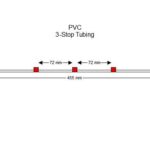 Flared -Pharmaprene 3-Stop Tubing
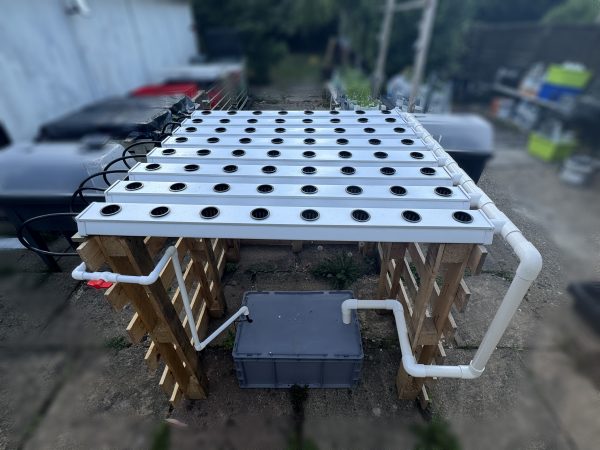 Desk Top Unit
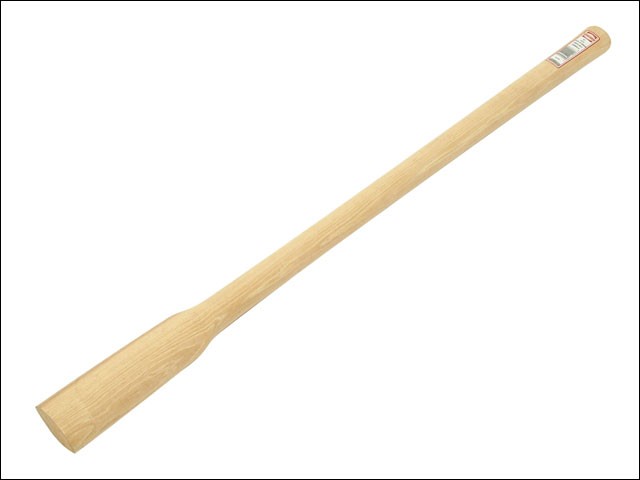 Demolition
 Cichlid Exchange
 Electronic Dog Fencing
 Embroidered Quilts
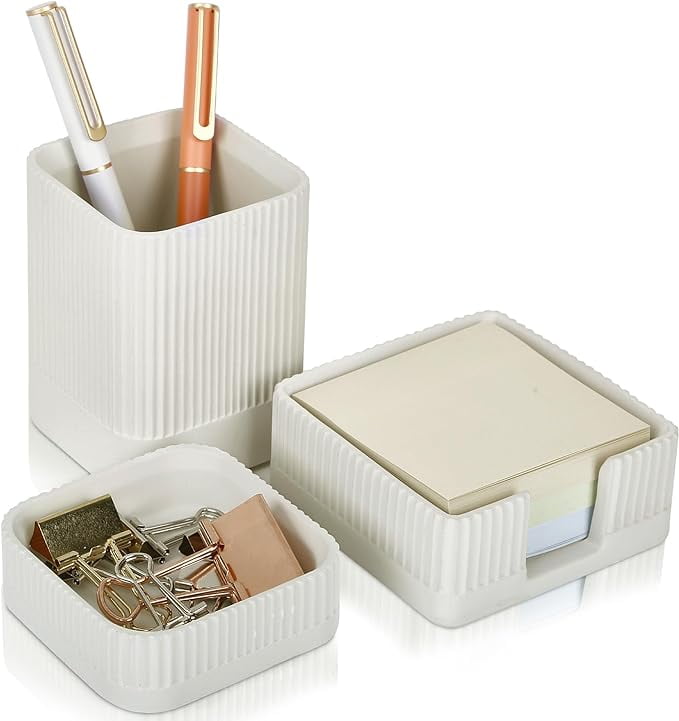 Desk Organizer Sets
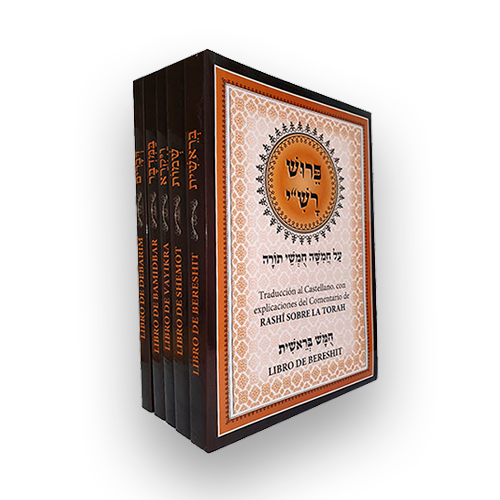 De Israel
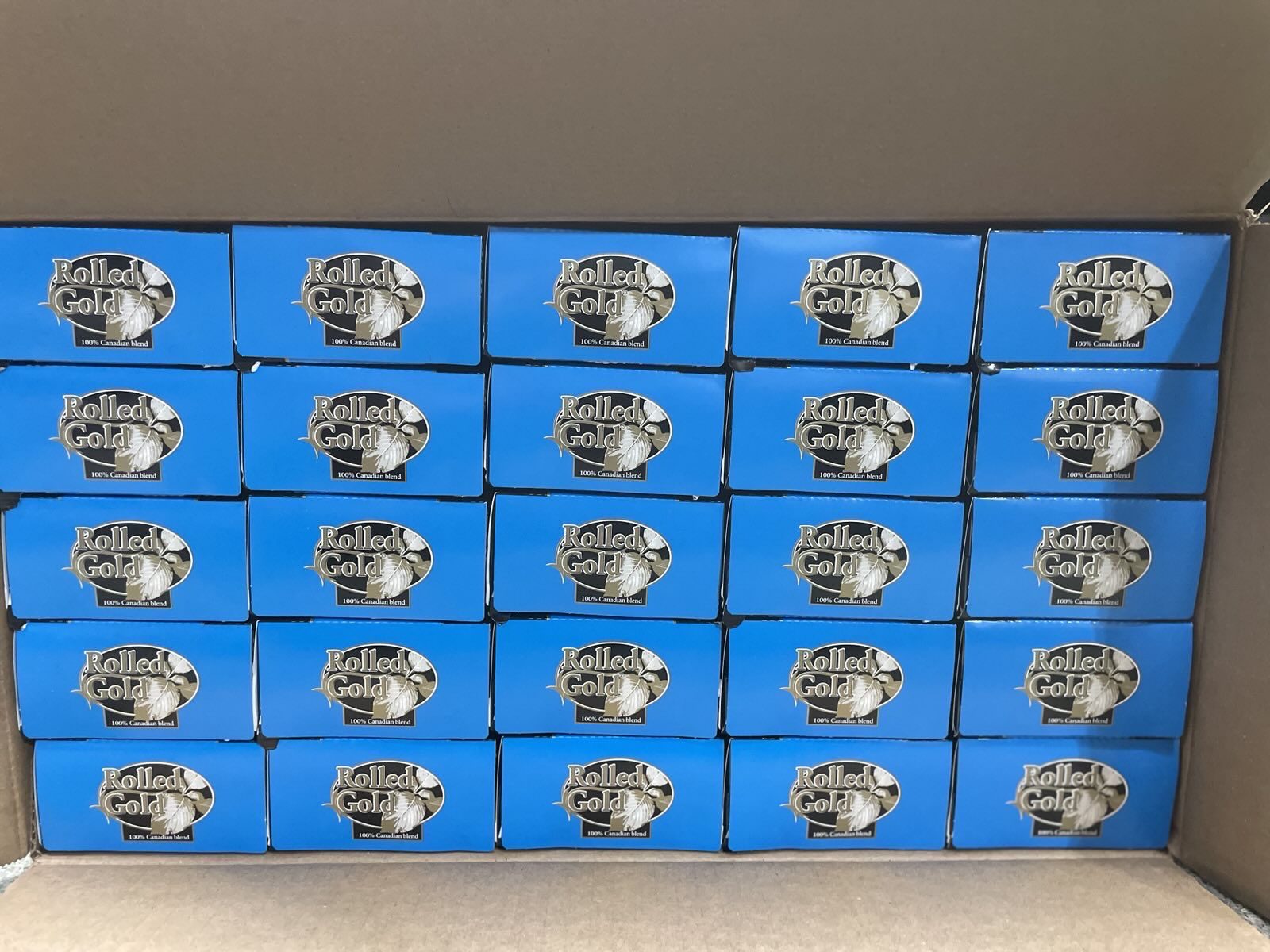 Cigarette Cases
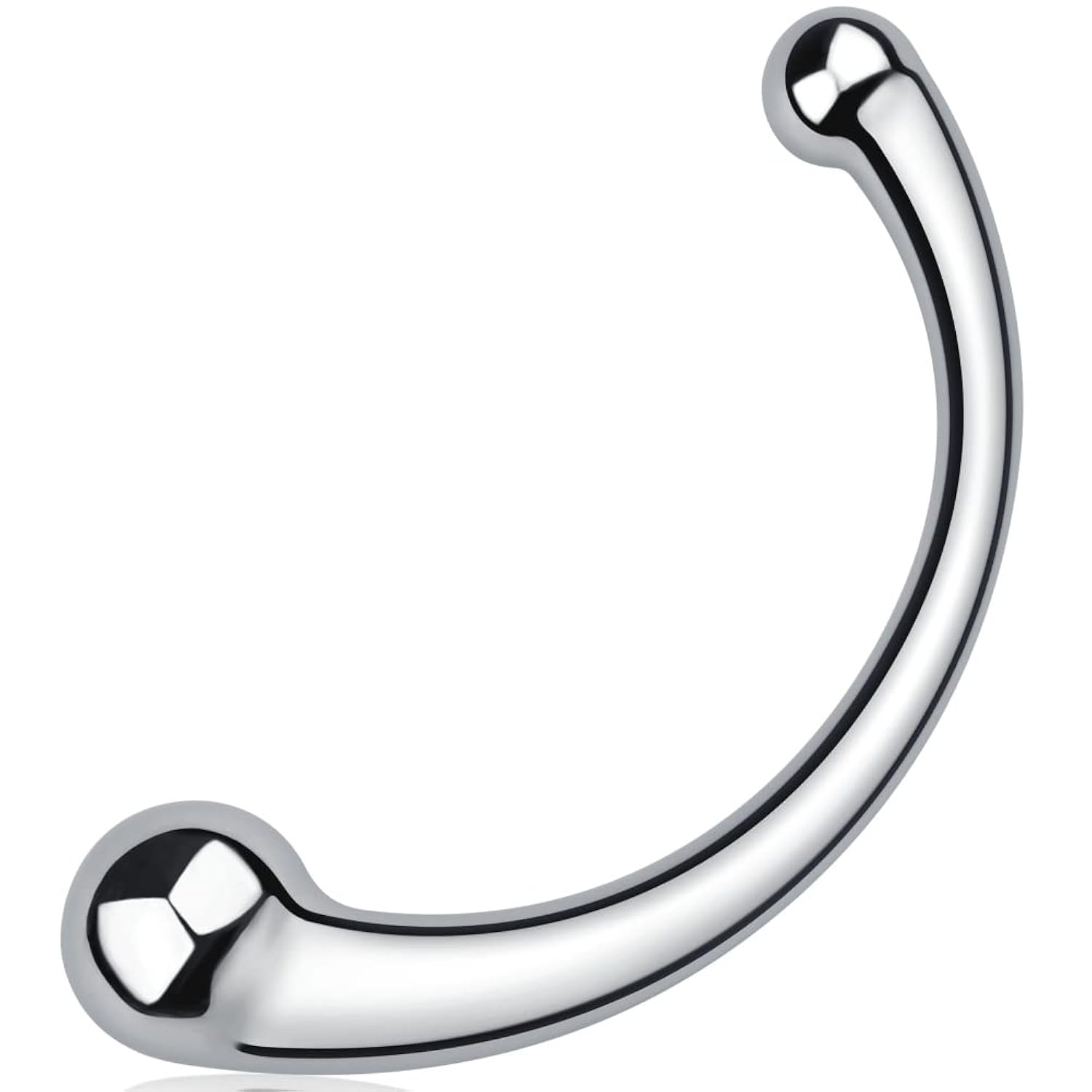 Double Ended Dildos
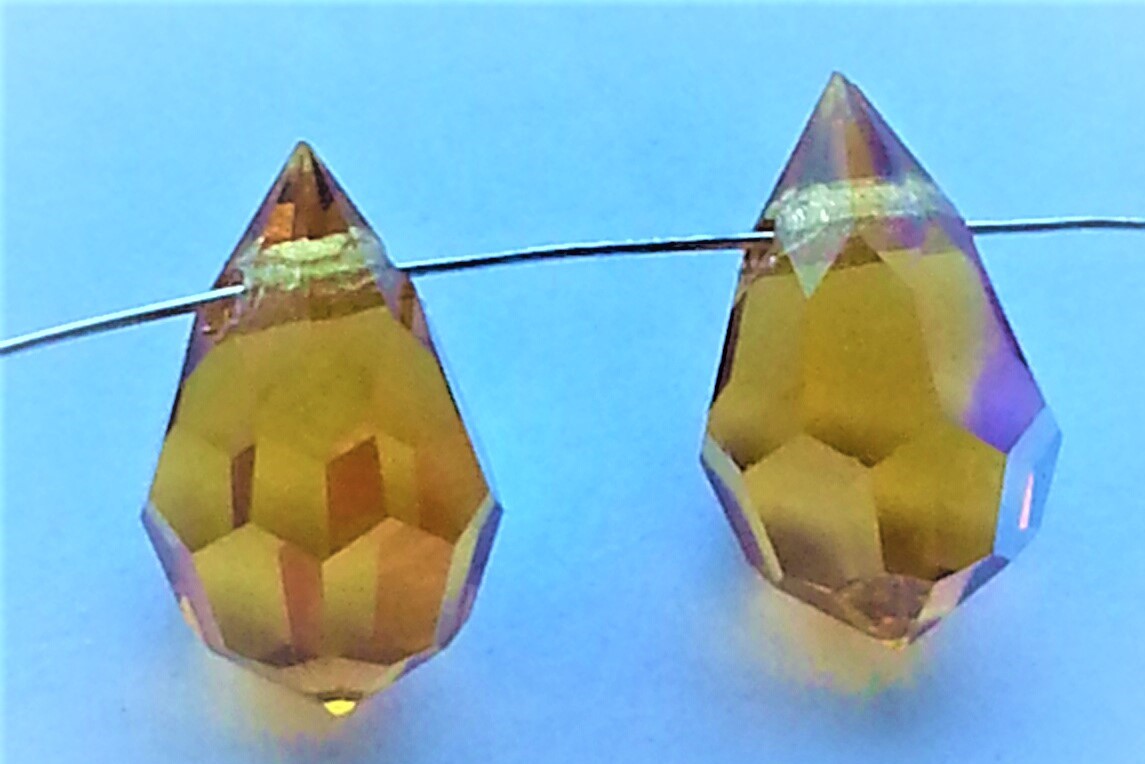 Drop Beads
 Dāvanu Idejas





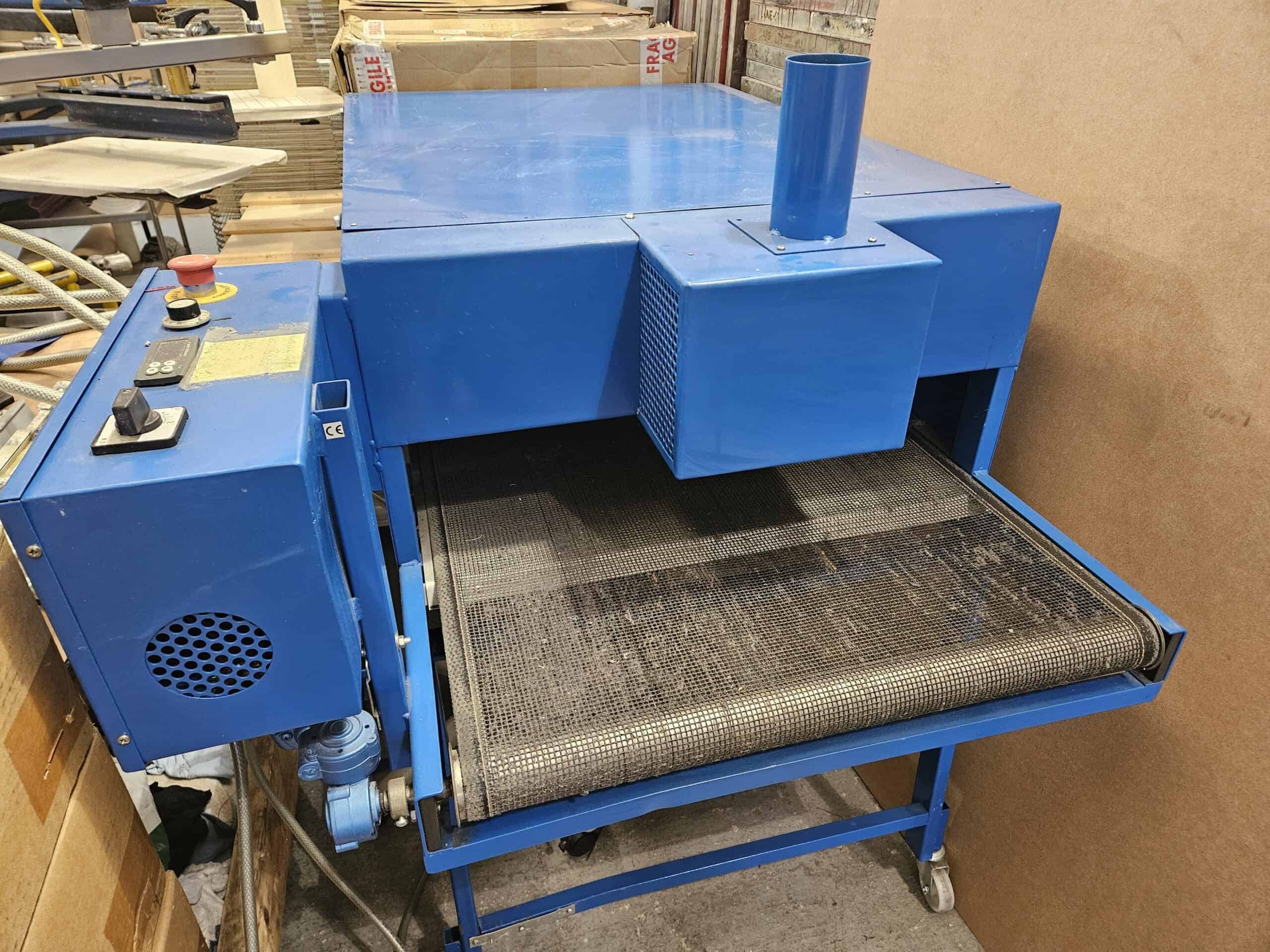 Dryers